Camera and Lens
10/21/09
The
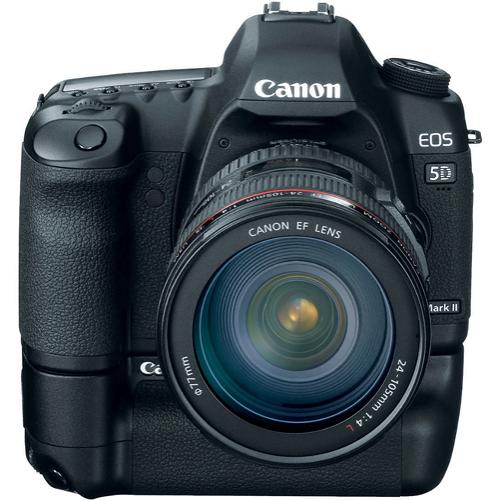
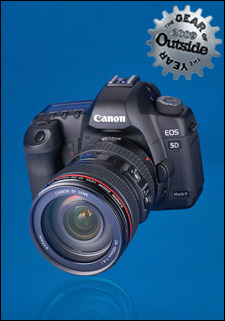
camera provides the full frame sensor and lens compatibility I was seeking.
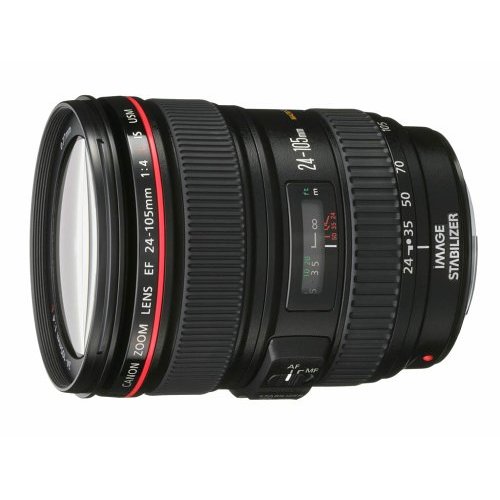
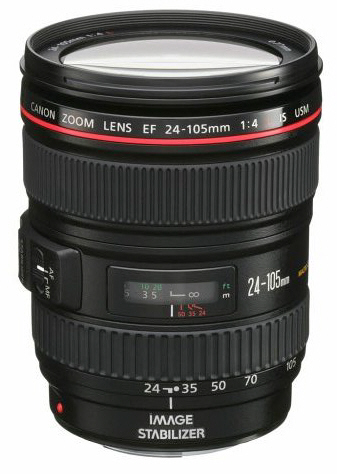
The 24~105mm lens provides a good range of focal lengths and the system
compatibility with the camera, enabling rapid, integrated shooting. It
doesn't make much sense to get a camera body like this and be relegated only
to manual, screw-mount lenses. I view the screw-mount lenses I have as
extensions to this system, providing me a stop-gap range of focal lengths,
some of which are rarely used and not likely to be purchased as Canon Lenses
(the fish-eye and super-telephotos fall into this category). In the
meantime I have over 30 high-quality lenses that will work with this camera
through the use of a small adapter:
Pentax Screw-mount (M42) to Canon EOS
Lens Mount Adapter
As I
recover from this purchase I can evaluate and act on the need for other
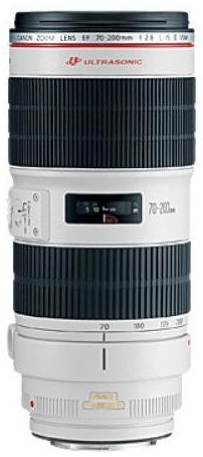
Canon lenses. I am considering the Canon EF 70~200mm 1:2.8L IS USM.


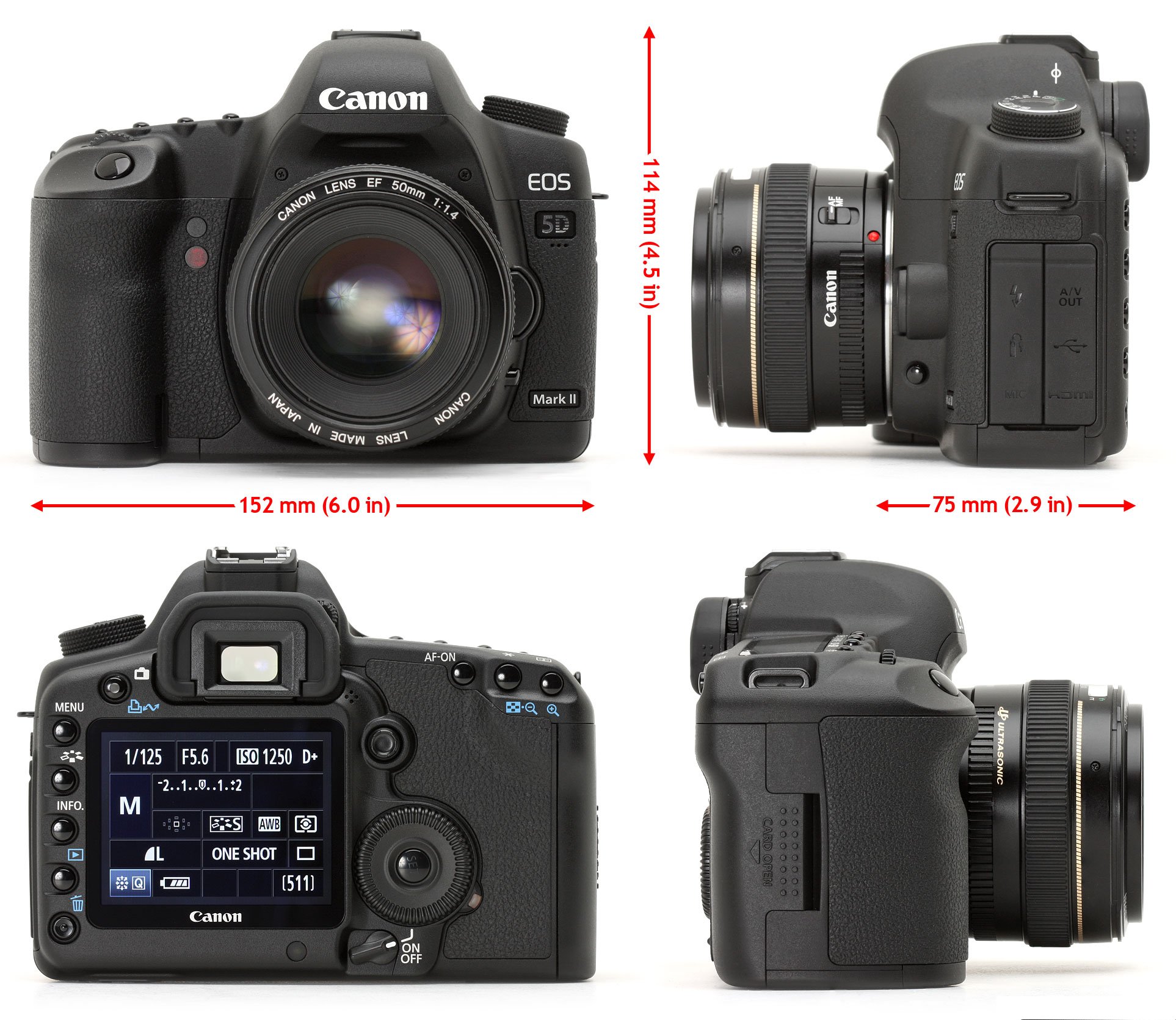
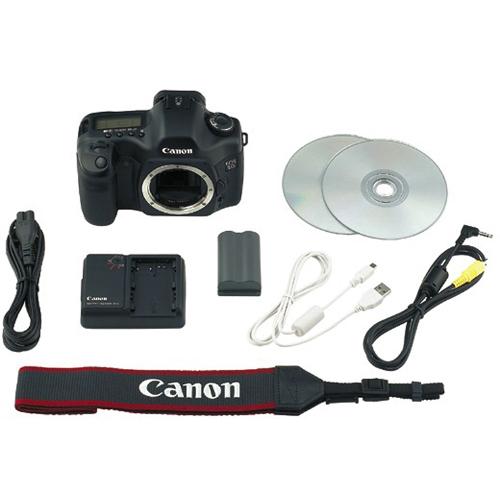
Canon EOS 5D Mark II Manual

Canon EF 70~200mm 1:2.8L IS USM
(Wish List)
Filter

The
lens has a 77mm filter mount. If there is only one filter to have, it
must be the polarizing filter. In 77mm size, the circular polarizer
(required for this camera) is as expensive as some entry level digital
cameras... I was fortunate to have a 77mm polarizer in my collection
of gear so dodged this bullet, though I am afraid I will end up buying
another to benefit from a better anti-reflective coating... I also
purchased a 58mm filter because quite a number of my lenses use this size.
This leaves only the 49mm size and the seldom-used 67mm size. I think
an adapter ring may suffice.
Battery Grip


I
have always gone out with at least two batteries. I have often used
both batteries and found myself charging one in order to be able to shoot.
Consequently, I decided to start out with the Battery Grip because it holds
two batteries and comes with a battery clip so that regular double-A
batteries (AA) may be used as a back-up alternative to the rechargeable
batteries made for the camera.
Wireless Remote ("Cable Release")
In the old days one
used a cable release to trigger the camera when using slow shutter speeds on
a tripod or to include oneself in the image. This camera has no
provision for a cable release but does support a wireless remote that serves
the same purpose. Surprisingly, they're not very expensive, though
there are a number to choose from. For me the best choice was the one
that allows immediate firing or a two second delay. This one comes
with a clip that threads onto the camera strap so the remote may be stored
within easy reach.

HDMI Cable
It's a little surprising that the camera
does not come with the HDMI cable. The first time I connected to a
wide-screen TV monitor, the pictures were "OK", but I was disappointed by
the quality. I concluded if the camera could transmit 1080i for
movies, it probably did the same for stills, and the manual more or less
says it does. So I looked around and found the Canon cable for about
$30. That seemed expensive so I went to Best Buy. When will I
ever learn. I have repeated this cycle of online shopping, Best Buy
(for instant gratification) and then ordering online. This time Best
Buy was out of the mini-to-standard HDMI cable but was happy to offer me an
$80 adapter and a$100 cable. The Canon cable started to look a
bargain, and in the end I saved even more money buying a quality third-party
unit.

Video Cable
The car has a small video monitor, about
7 inches. I decided it might be nice to preview shots on this monitor
when I am out and about. Due to the location of the plugs for the
monitor, it's best to leave it plugged in. I purchased a second mini-to-video cable, again
observing the incredible premium that Best Buy wants to charge - $40 versus
the $15 online for the Canon part. Note to self - stop going to Best
Buy!

Flash
The camera does not
have a built in flash. I retrieved one of my Vivitar 283 units.


I wanted better
lighting from it than direct or basic bounce so
outfitted it with a
Sto-Fen Omni-Bounce (OM-B) that slips onto the end of the flash head and
provides a softer, wider light source from the on-camera flash.


Batteries


I
purchased an extra Canon rechargeable battery and AA Lithium batteries as a
secondary back-up. Reviews of the camera claim up to 1500 images on a
pair of Canon batteries, I suspect I will be charging batteries "on
location" a lot less often...
Memory


I'm
not sure if I should be surprised or not the camera does not come with
Compact Flash Memory. If I think of the memory cards as a the
modern-day equivalent to film, I guess it makes sense to let the consumer to
choose their own memory card. It also artificially reduces the cost of
the camera to leave it out of the package. In any case, I purchased a
16GB UDMA card to avail myself of the full performance this camera is
capable of providing. As a cost-saving move, I purchased a second,
smaller card to have as a back-up/overflow option.
Tripod

Tripod outfitting was not an issue.
I have owned a tripod since 1972 and about 10 years ago added an original
Marchione Tiltall Model 4602 to my kit. It's a very elegant if not
slightly (OK - hugely) obsolete tripod by today's standards. Still, it
is rock-solid, provides great flexibility, and always seems to trigger a
conversation. The current version is quite true to the originals
though it is mass-produced in a factory and not by a pair of Italian brothers in a
New Jersey garage/machine-shop...

Tiltall Support
Levels


I played around with the panorama
software that comes with the camera, and did a little reading. It
became apparent that leveling the camera when shooting the panorama is quite
important. When I started I found that the head and camera may be
leveled using the tripod tilt-head controls. But when the head is
rotated, the camera will not stay level if the tripod itself is not level.
The center column must be perpendicular. I little research turned up
levels for the camera and the tripod.


This enables preliminary leveling of the
tripod, and then leveling of the tripod head with camera attached.
With that, the head may be rotated without affecting the leveling of the
camera. But as it turns out this is not the end of the story.
The axis of rotation of the camera must be centered on the optical center of
the lens for both horizontal and vertical panning. That's a problem
for me because the tripod mount on the camera is not centered on the lens,
side to side. And the optical center of the lens (front to back) os
not located at the tripod socket. So for sophisticated panoramas, I
would have to get a more elaborate devices such as this, to dial in these
settings:
This basic device is interesting but does
NOT achieve these adjustments

This more elaborate device on the other
hand, provides the necessary controls. Note the substantial difference
in price...


At the end of the day, this is
supposed to be all about making images. Sure, I have a fondness for
cameras, but I really do own them to make images. In the spirit of
sharing what this camera can do, with the kit lens as well as my screw-mount
lenses, here are some images I made - some right out of the box sitting in
my kitchen...
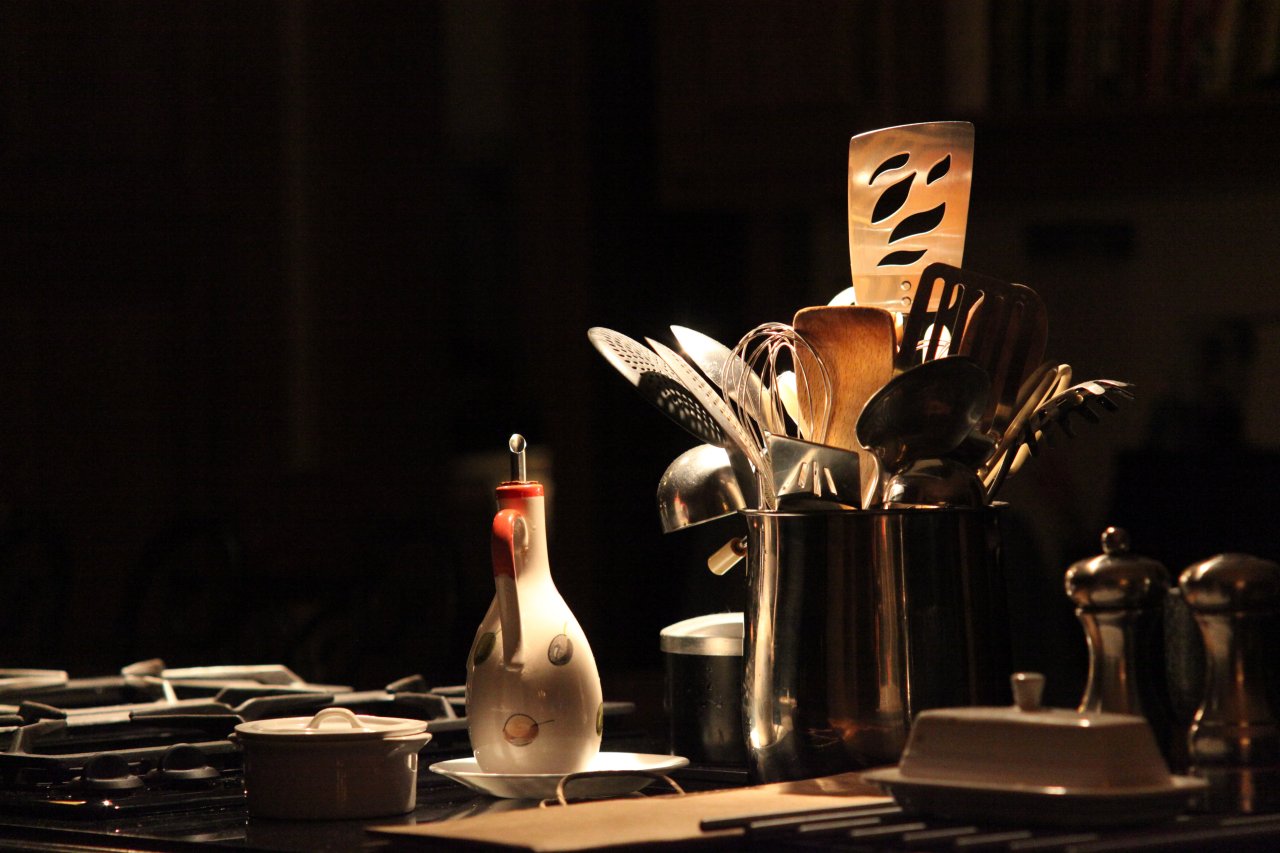
Super-Multi-Coated
Takumar 1:4.0/200mm (above)
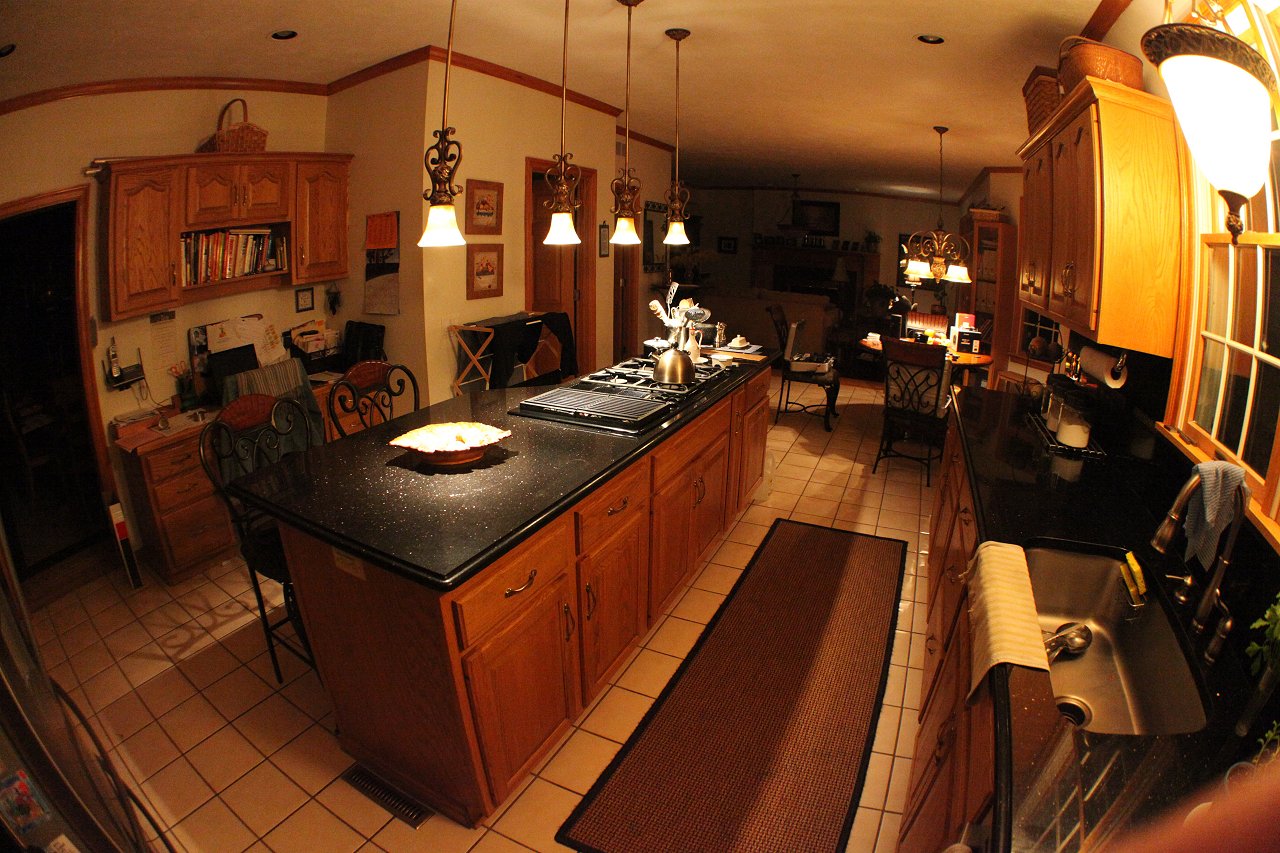
Super-Multi-Coated Fish
Eye Takumar 1:4.0/17mm (above)

Super-Multi-Coated Macro
Takumar 1:4.0/100mm (above)

Super-Multi-Coated Macro
Takumar 1:4.0/100mm (above)

Canon EF 24~105mm 1:4.0 L
IS USM (circular polarizer) (above)

Canon EF 24~105mm 1:4.0 L
IS USM (circular polarizer) (above)
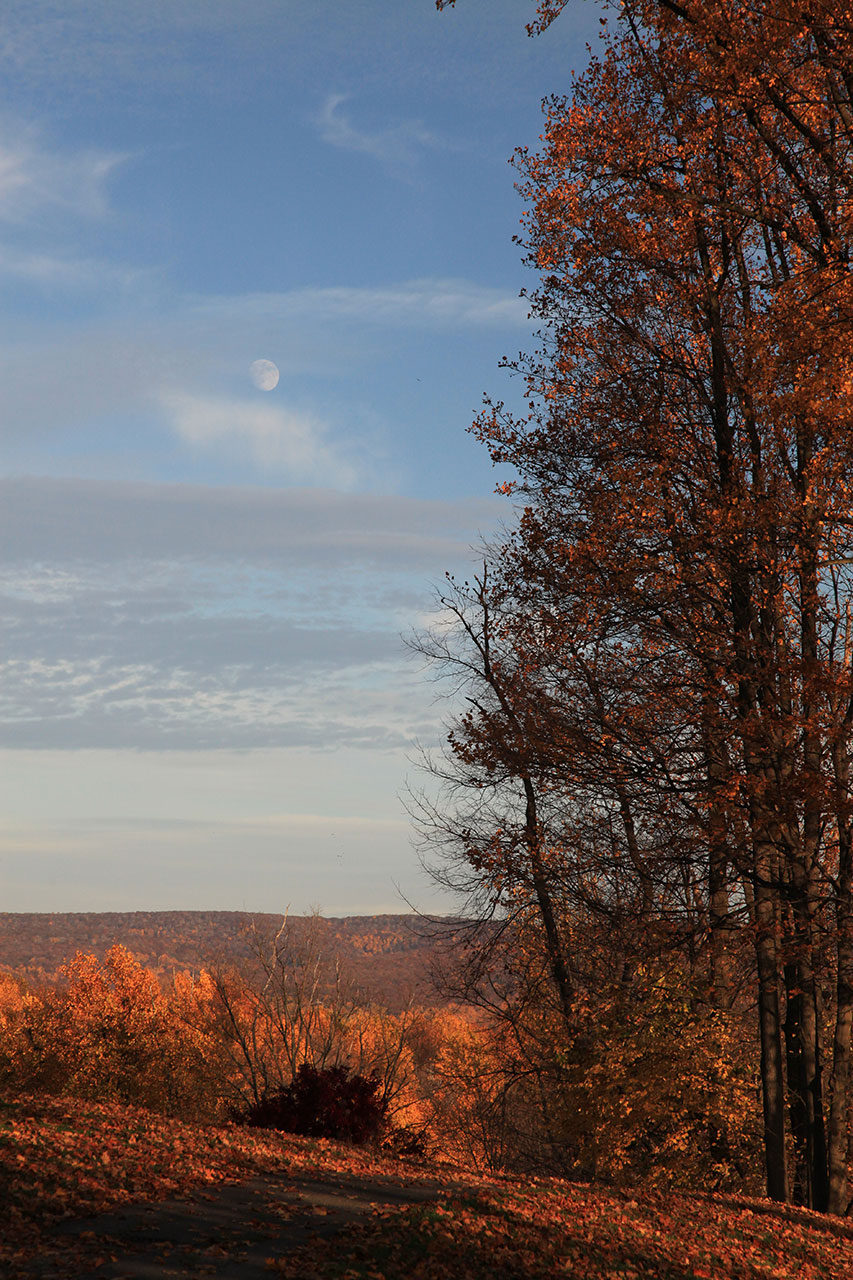
Canon EF 24~105mm 1:4.0 L
IS USM (circular polarizer) (above)
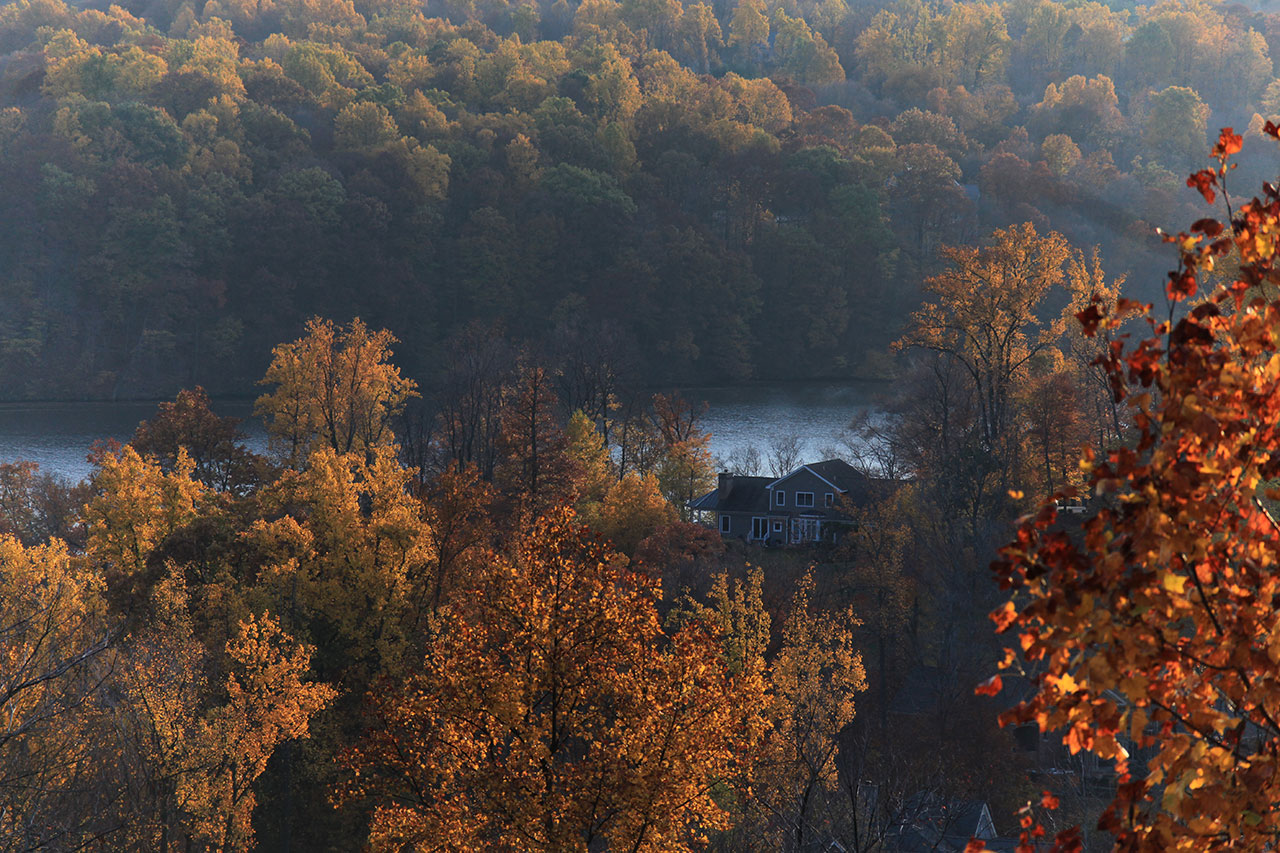
Super-Multi-Coated
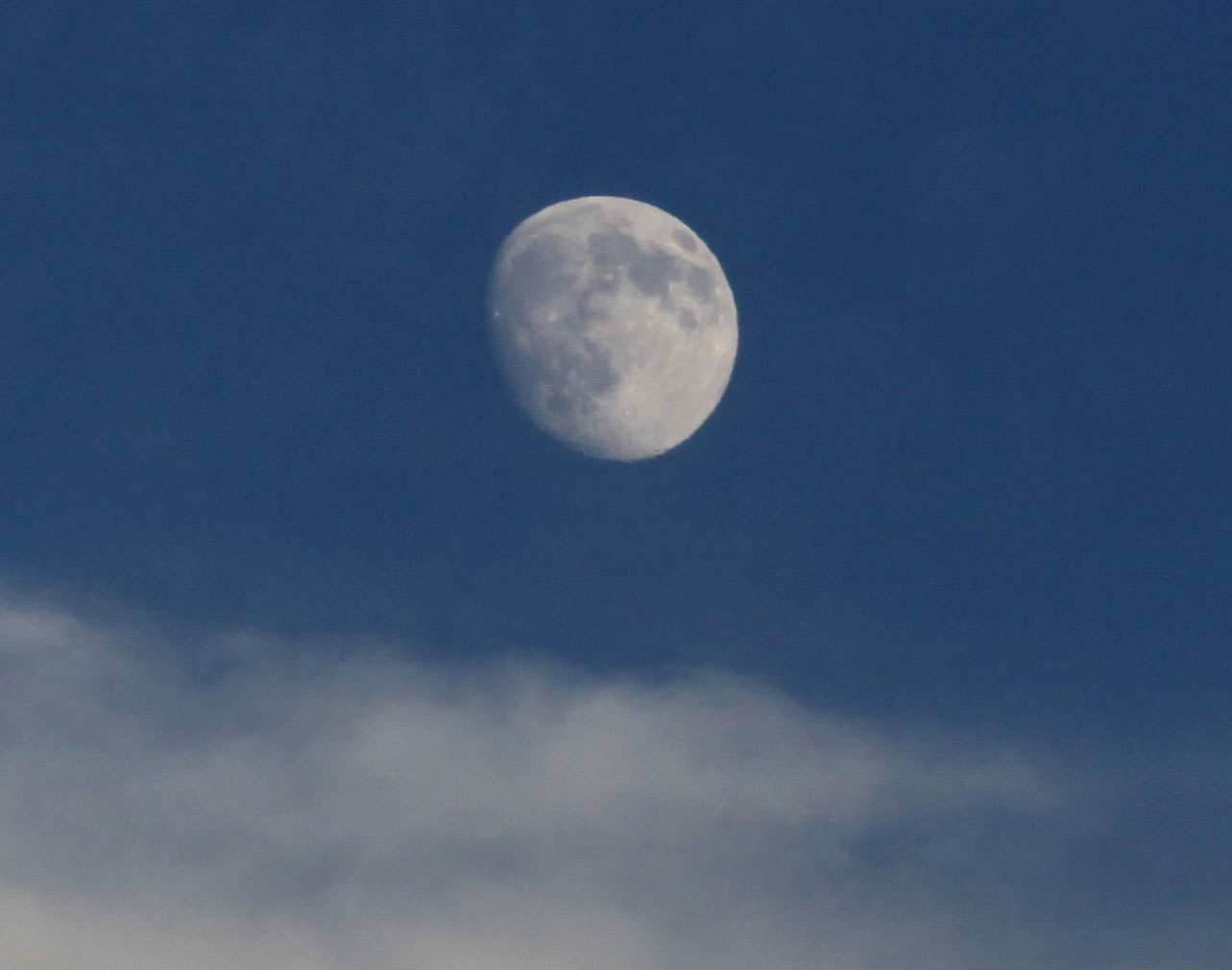
Takumar Zoom 1:4.5/85~210mm (above) - see 100% crop below
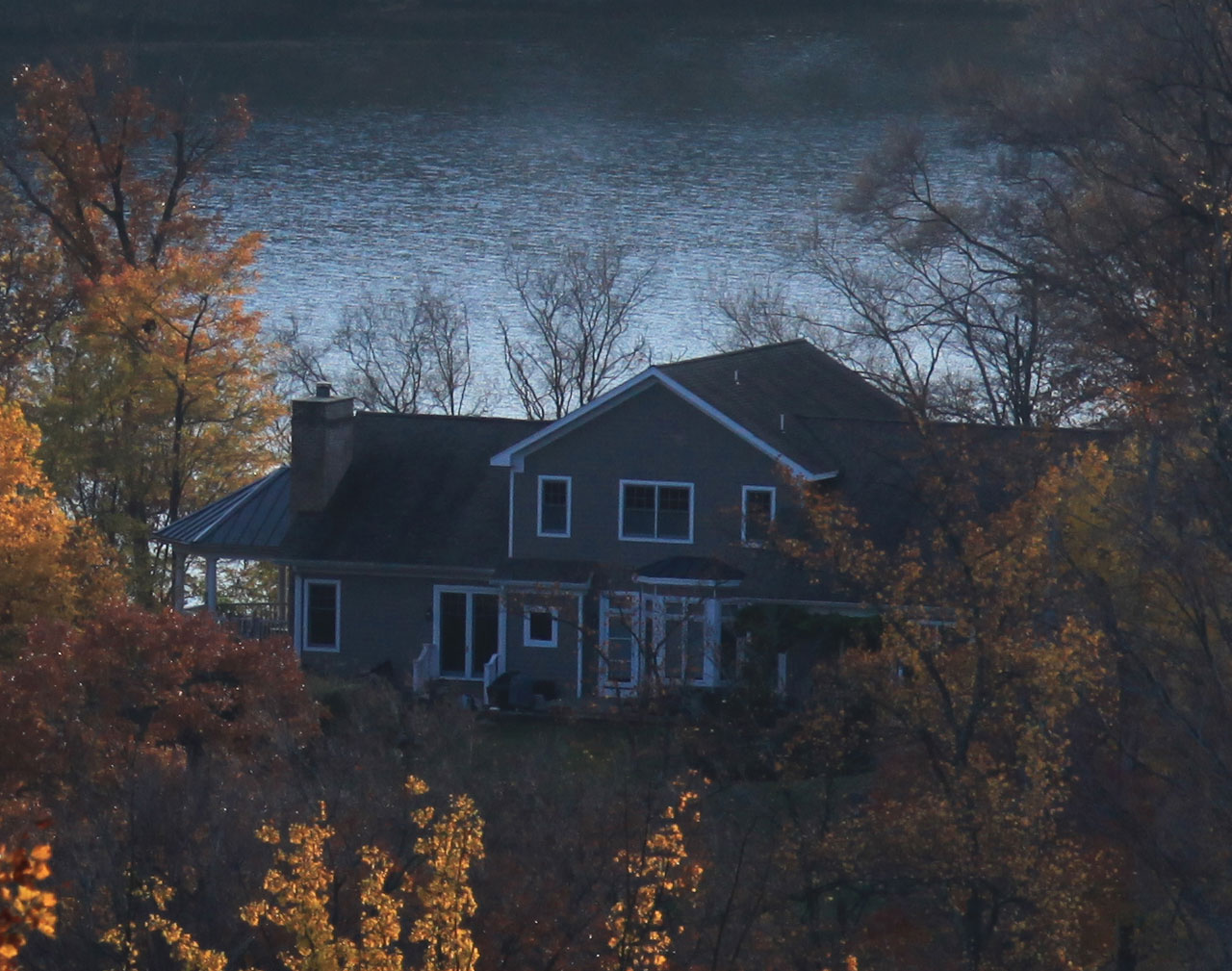
Super-Multi-Coated
Takumar Zoom 1:4.5/85~210mm (above)

Super-Multi-Coated
Takumar Zoom 1:4.5/85~210mm (above) - see 100% crop below

Super-Multi-Coated
Takumar Zoom 1:4.5/85~210mm (above)

Canon EF 24~105mm 1:4.0 L
IS USM (circular polarizer) (above)
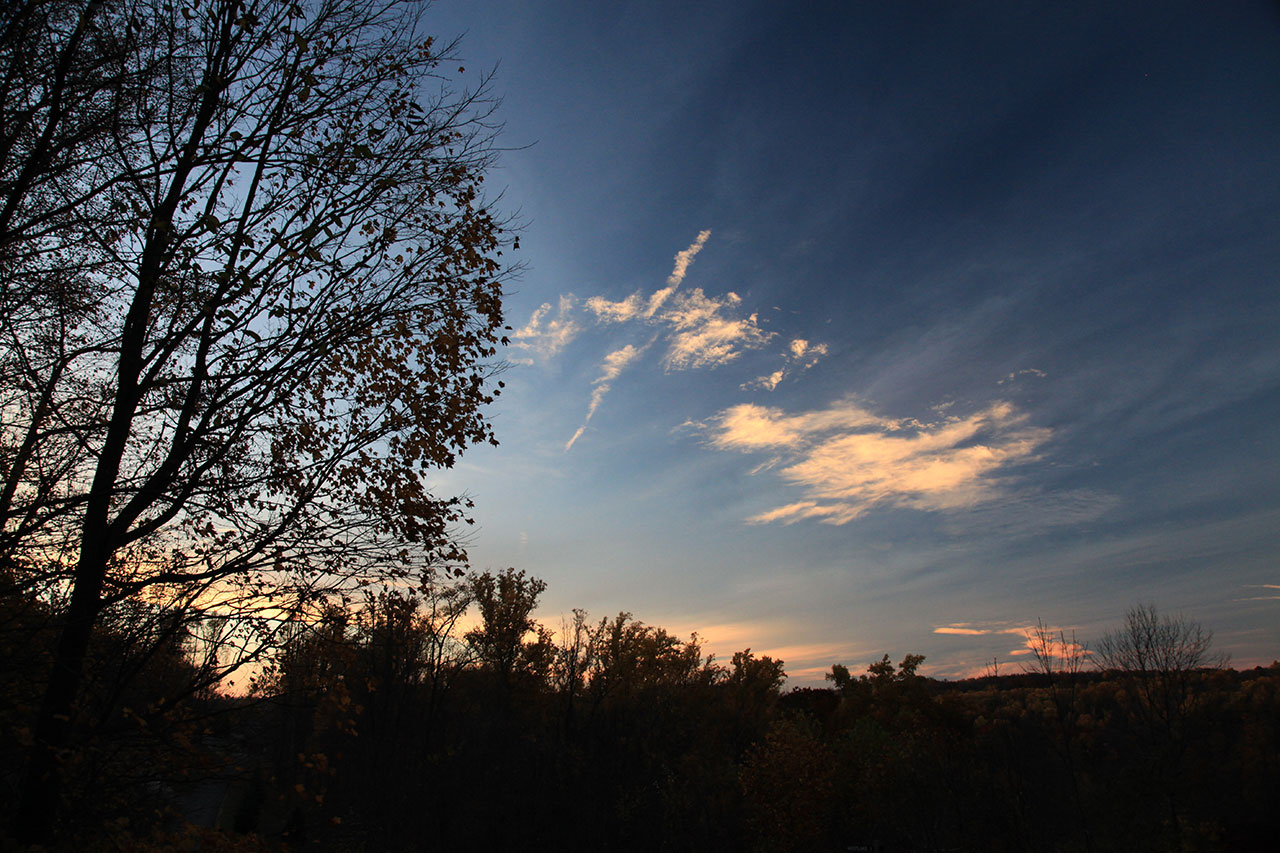
Canon EF 24~105mm 1:4.0 L
IS USM (circular polarizer) (above)
More Images...
Pentax Screw-mount (M42) to Canon EOS
Lens Mount Adapter